
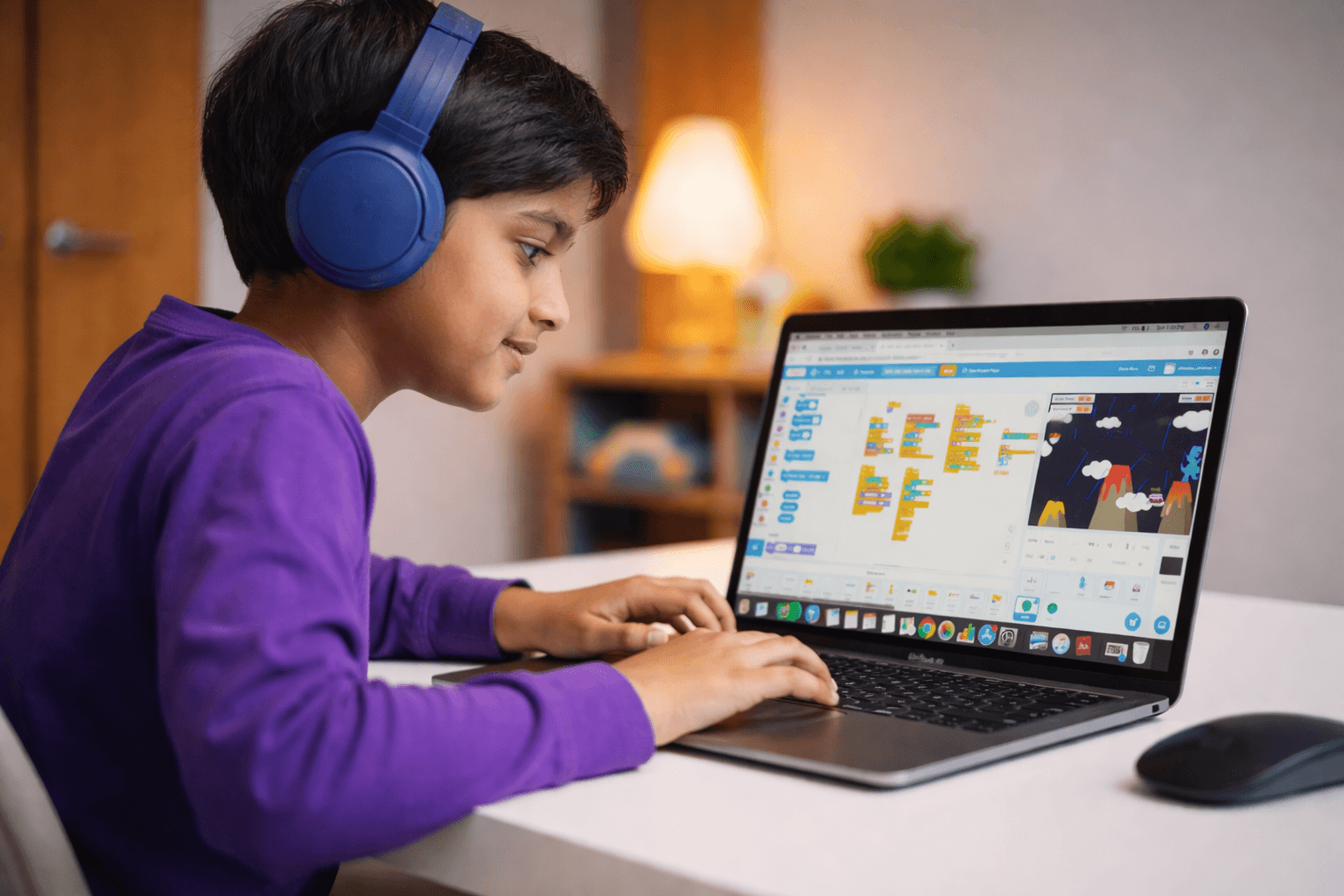
Welcome to Scratch! Today we're going to build a complete game where you catch falling objects. You'll learn about sprites, movement, and keeping score. The best part? You can customize it however you want and share it with friends!
Setting Up Your Game

First, go to scratch.mit.edu and click 'Create'. You'll see Scratch Cat - but we'll use different characters!
1. Delete Scratch Cat (right-click → delete)
2. Click the cat icon at bottom right to add a sprite
3. Choose a bowl, basket, or character to catch things
4. Add another sprite for the falling object (apple, star, or ball)
5. Choose a fun backdrop (sky, space, or underwater)
Now you have your game characters ready!
Making the Catcher Move
Click on your catcher sprite and add these blocks:
when green flag clicked
forever
if <key [left arrow] pressed?> then
change x by (-10)
end
if <key [right arrow] pressed?> then
change x by (10)
end
end
Now your catcher moves left and right with the arrow keys! Test it by clicking the green flag.
Making Objects Fall
Click on your falling object sprite:
when green flag clicked
forever
go to x: (pick random (-200) to (200)) y: (180)
glide (2) secs to x: (x position) y: (-180)
end
This makes the object start at a random position at the top and fall down. The 'glide 2 secs' controls how fast it falls - try different numbers!
Adding Score and Catching
Let's add scoring! First, click 'Variables' and make a variable called 'Score'.
Add to your falling object:
when green flag clicked
set [Score] to (0)
forever
go to x: (pick random (-200) to (200)) y: (180)
repeat (40)
change y by (-5)
if <touching [Catcher]?> then
change [Score] by (1)
play sound [pop]
go to x: (pick random (-200) to (200)) y: (180)
end
end
end
Now you earn points when you catch objects!
Congratulations! You built a complete game! Here are some ways to make it even better: • Add more falling objects with different point values • Add a timer to create time pressure • Add 'bad' objects that lose points if caught • Change the speed as score increases • Add sound effects and music Share your game by clicking 'Share' and send the link to friends. You're now a game developer!
C
Codive Team
Codiver · Coding Enthusiast
Share this post