
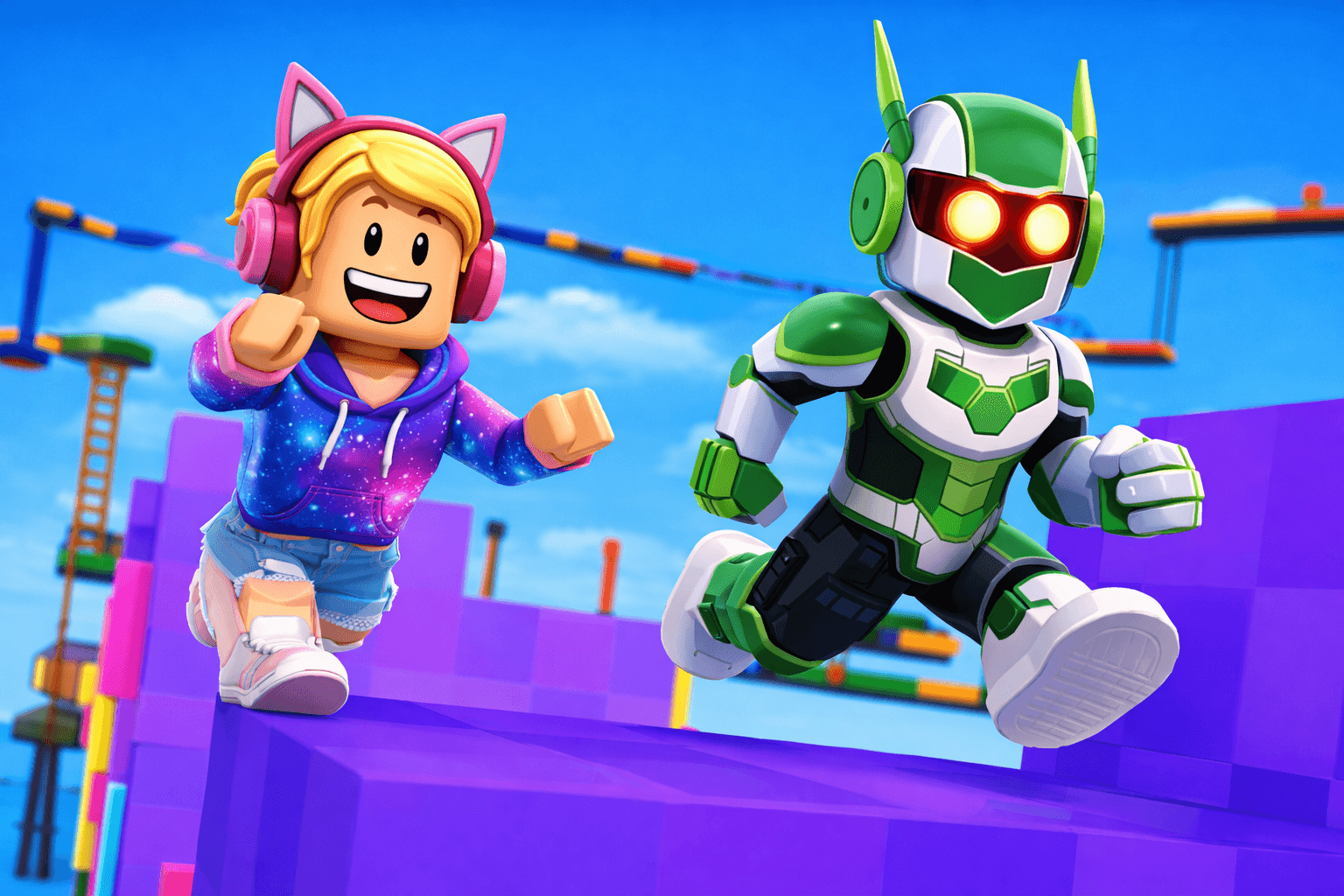
Ready to become a Roblox developer? In this lesson, we'll build a simple but fun obstacle course (obby) using Roblox Studio. You'll learn how to create platforms, add checkpoints, and make your game challenging but fair. Let's start building!
Setting Up Roblox Studio

First, download Roblox Studio from roblox.com/create. It's free!
1. Open Roblox Studio
2. Click 'New' and choose 'Baseplate' template
3. You'll see a flat gray platform - this is your starting point
4. Delete the baseplate (we'll make our own platforms)
5. Add a SpawnLocation from the Model tab - this is where players start
Now you have an empty world ready for your obby!
Creating Platforms
Let's build the course! In the Home tab:
1. Click 'Part' to add a block
2. Use Move, Scale, and Rotate tools to position it
3. In Properties, change the color (BrickColor)
4. Make platforms different sizes for variety
Tips for good obby design:
• Start easy, get harder gradually
• Make platforms visible (bright colors help)
• Test each jump yourself before adding more
• Leave some room for error - frustrating games aren't fun!
Adding Kill Bricks
Make it challenging with kill bricks (parts that reset players):
1. Add a Part and color it red (danger color!)
2. Add a Script inside the part
3. Add this code:
script.Parent.Touched:Connect(function(hit)
local humanoid = hit.Parent:FindFirstChild("Humanoid")
if humanoid then
humanoid.Health = 0
end
end)
Now touching this red brick sends players back to the start! Use these sparingly to add challenge.
Checkpoints Save Progress
Nobody wants to restart from the beginning! Add checkpoints:
1. Add a SpawnLocation where you want a checkpoint
2. Set its 'Neutral' property to true
3. Set 'AllowTeamChangeOnTouch' to true
Or use this script for a checkpoint part:
script.Parent.Touched:Connect(function(hit)
local player = game.Players:GetPlayerFromCharacter(hit.Parent)
if player then
player.RespawnLocation = script.Parent
end
end)
Now players respawn at the last checkpoint they touched!
Congratulations, Roblox developer! You built a complete obby with platforms, kill bricks, and checkpoints. To publish your game, click File → Publish to Roblox. Here are ideas to make it better: • Add moving platforms • Create themed sections (lava, ice, space) • Add a timer for speedrunning • Include secrets and shortcuts Millions of players are waiting to play YOUR game!
C
Codive Team
Codiver · Coding Enthusiast
Share this post